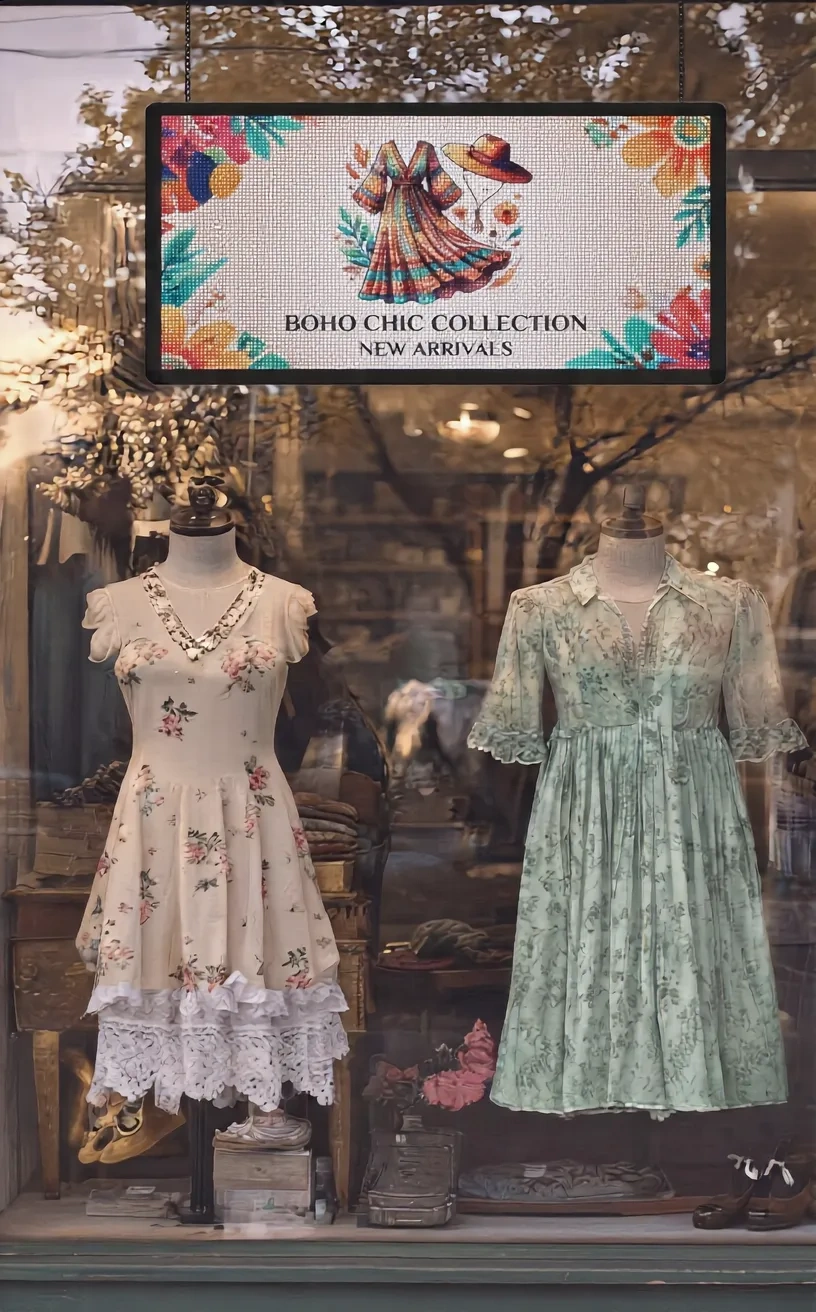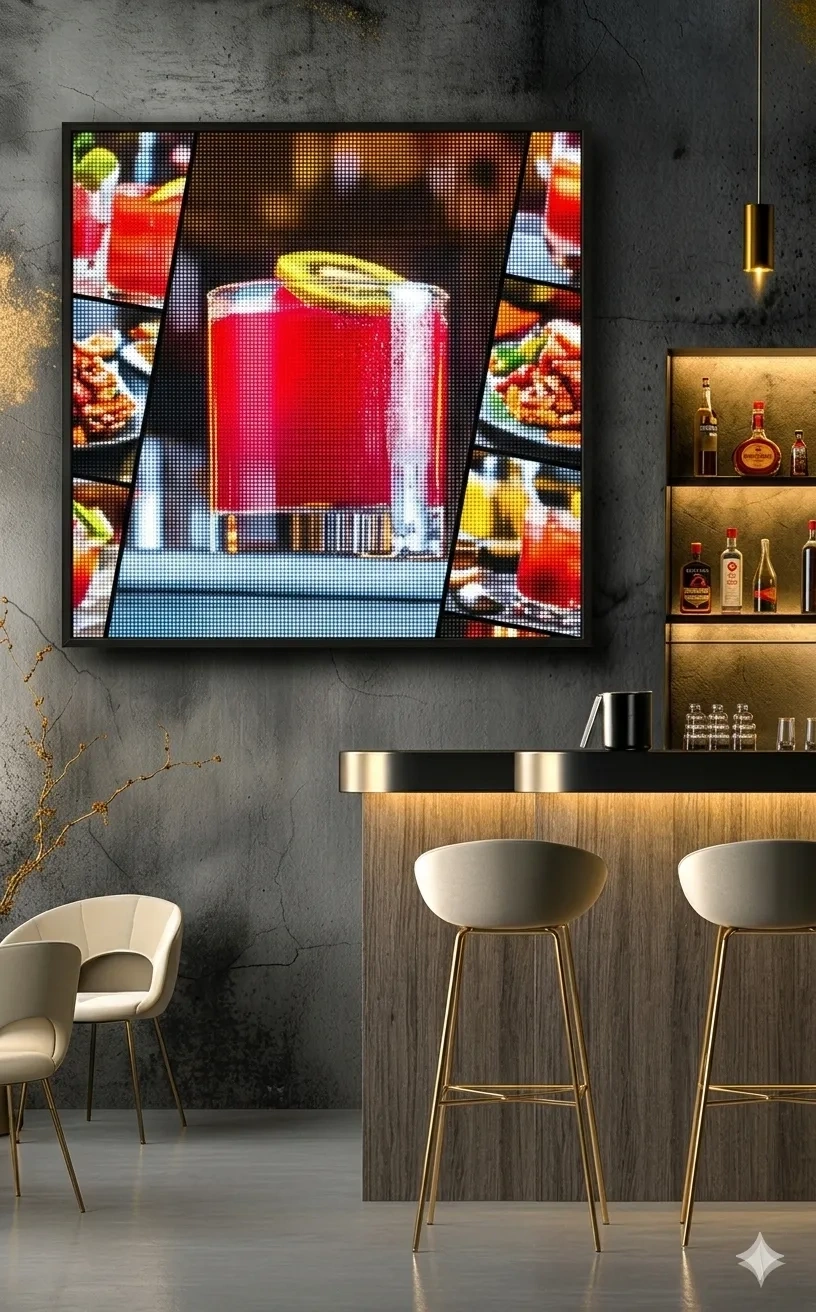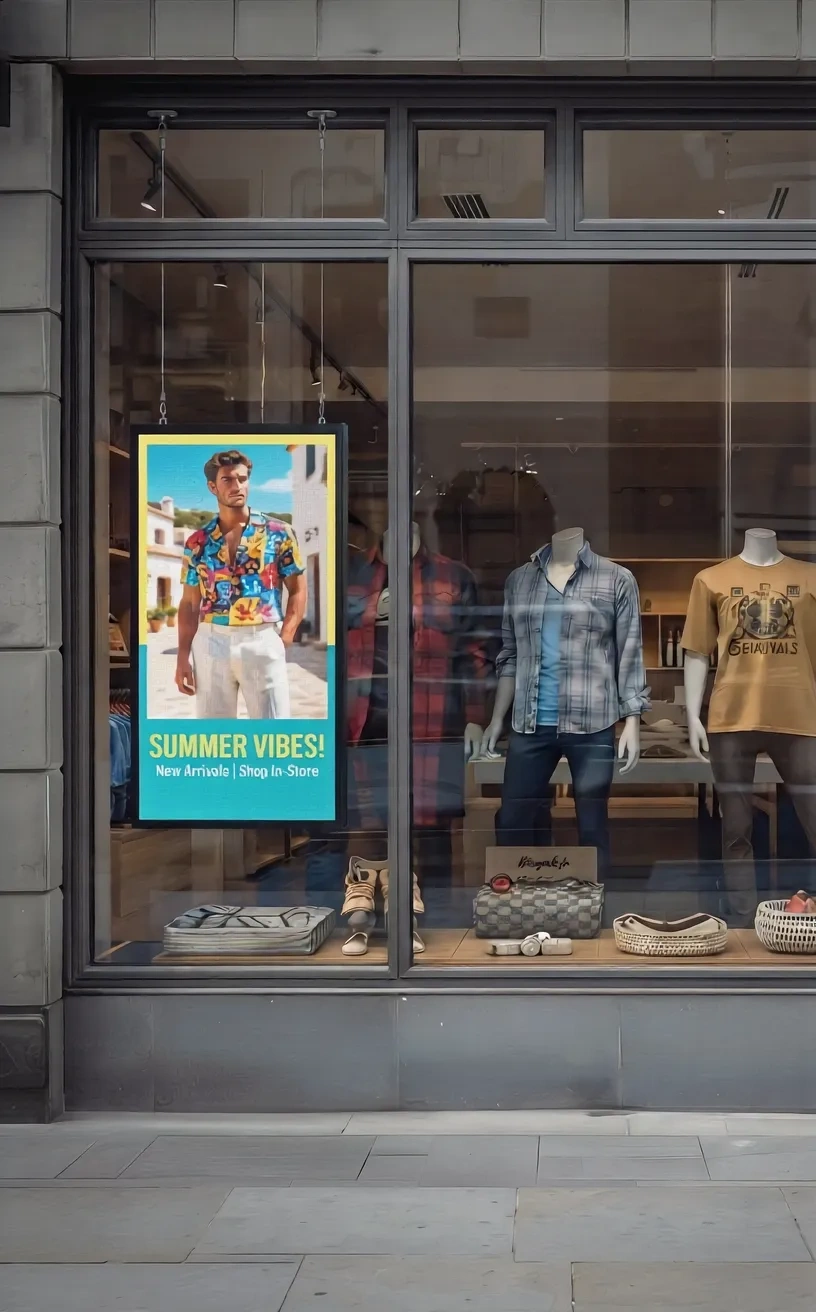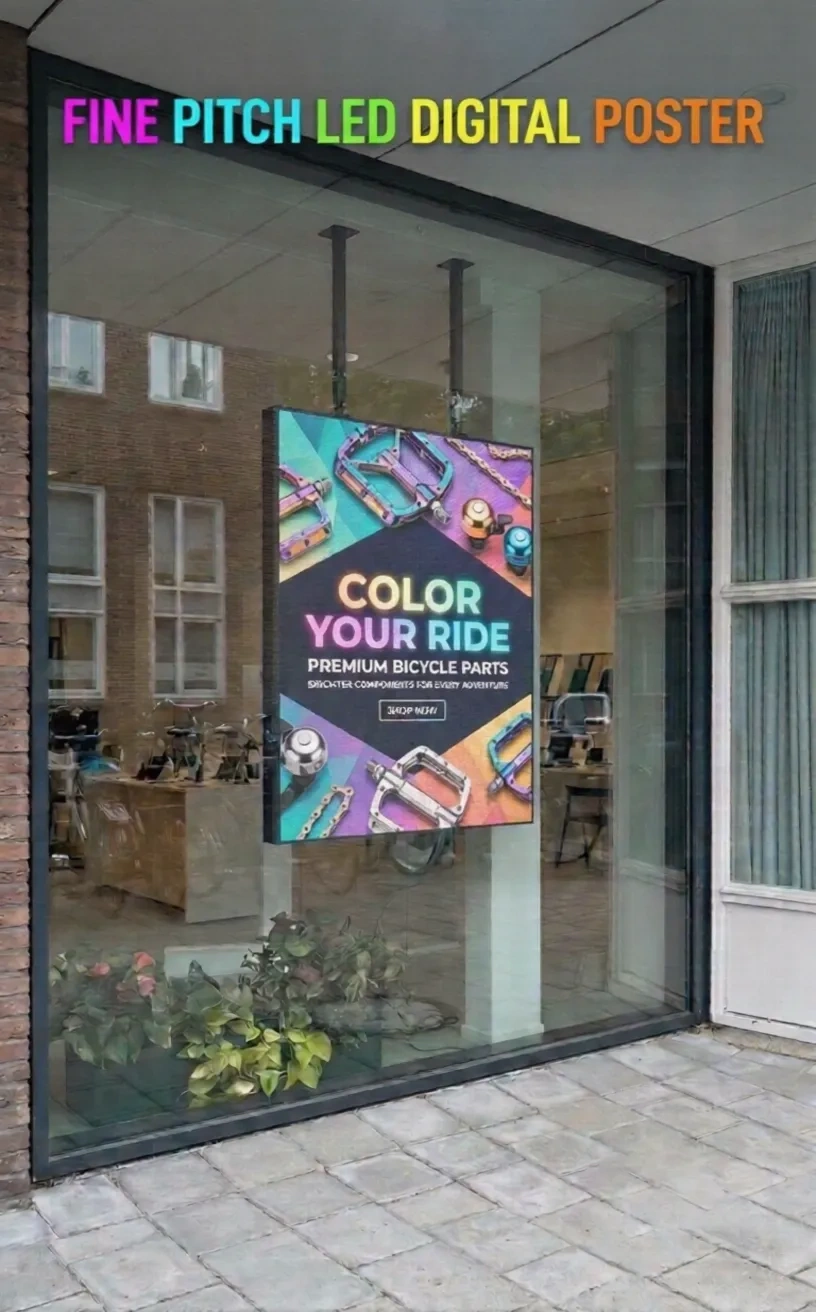
An indoor advertising screen can fit perfectly into a store layout and still fail its purpose if customers cannot read the message. A narrow entrance, a busy aisle, and a showroom reception area create different viewing conditions. Choosing a vertical LED poster means considering those conditions before choosing a cabinet size or pixel pitch.
An indoor LED poster is a portrait-oriented direct-view LED display used for promotional video, branded graphics, product information, and digital advertising. Its tall format helps businesses use floor or wall space that may not accommodate a conventional horizontal screen. Yet not every vertical LED display is equally suitable for close viewing, frequent relocation, or detailed text.
This guide walks through the actual decisions facing retail owners, commercial buyers, distributors, and audiovisual integrators: where the display belongs, how to size it, what technical details matter, and what to confirm before ordering.
Start With the Advertising Location
The right indoor LED poster starts with the audience and the space. A display beside an entrance may need to communicate to people walking past. A poster beside merchandise may need to present details to viewers standing nearby. Each location changes the balance between brightness, resolution, and physical size.
Entrances and Retail Aisles
At an entrance, people have only a short opportunity to notice a screen. Portrait photography, one product message, and a clear headline often work better than a dense list of features. The screen should face approaching shoppers without obstructing doors, circulation routes, or merchandise.
In an aisle, viewers may pause closer to the display. The screen can show product comparisons or instructional content, but it needs enough pixel density to keep smaller text readable. Positioning matters as much as specifications: reflections from overhead lighting and nearby surfaces may affect visibility.
Showrooms, Lobbies, and Reception Areas
Showrooms can use vertical displays to introduce collections, explain services, or support seasonal promotions. Reception areas may use the same format for welcome messages, wayfinding, or event information.
These installations usually benefit from a restrained brightness setting and reliable scheduled playback. A display that is too bright can distract visitors in a softly lit space. If the screen will appear in photographs or video, test it with the cameras normally used at the venue.
Events and Temporary Promotions
Trade shows and pop-up environments may change layouts frequently. Here, a movable poster format can be appealing, but mobility is not guaranteed by a slim appearance. Check the base, overall weight, handling points, cable connections, and whether a suitable transport case is available.
Choose the Correct Vertical Screen Dimensions
A screen must fit its installation space and present content in a useful proportion. Portrait orientation alone does not tell buyers how much clearance is needed or whether existing creative assets will fit.
Measure the Full Unit, Not Just the Image
Record the available width, height, depth, and circulation clearance. Include the cabinet, support frame, base, power connector, and any necessary maintenance access. For a wall installation, verify the mounting structure and suitable load-bearing support.
KYStarpe’s product listings include standard vertical LED poster configurations such as RGB62 at 64 × 96 × 7 cm, RGB82 at 64 × 128 × 7 cm, RGB102 at 64 × 160 × 7 cm, and RGB122 at 64 × 192 × 7 cm. These are listed product dimensions, not installation-clearance allowances. Confirm the current specification and mounting arrangement for the particular model being quoted.
A taller screen may support fashion photography or a full-height visual, but it may be excessive for a compact reception desk. Choose dimensions from the actual placement and content rather than assuming that a bigger poster creates a better result.
Check the Native Aspect Ratio
Vertical advertising often uses a portrait layout near 9:16, but not every LED poster has identical proportions. For example, a 64 × 160 cm display has different proportions from a 64 × 96 cm configuration.
If existing artwork was prepared for social media, verify whether the content will be cropped, letterboxed, or resized. Important text should not sit against the edges where a change in aspect ratio may remove it.
A production template based on the exact native resolution is more useful than a generic portrait video preset. Ask for the screen’s pixel dimensions before briefing designers.
Match Screen Height to the Viewer’s Position
Consider where customers will look while standing or walking. A tall unit placed directly beside a narrow passage may force viewers to turn their heads to absorb the complete image. A shorter format may communicate more effectively from close range.
Select Pixel Pitch and Resolution Together
Pixel pitch describes the distance between neighboring LED pixels in millimeters. It influences how much visual detail fits into a given display area and how visible the pixel structure becomes at close range.
What Do P0.93, P1.25, and P2 Mean?
P0.93 refers to a nominal spacing of approximately 0.93 mm between pixels. P1.25 and P2 indicate larger spacing. At the same physical size, a smaller pitch generally means more pixels and potentially finer image detail.
KYStarpe lists options from P0.93 to P2 for selected vertical poster products. The appropriate choice depends on the model, viewing distance, screen dimensions, and content. A product-family pitch range should not be interpreted as confirmation that every combination is immediately available.
Use Viewing Distance as a Practical Test
A customer reading product information from nearby needs a different level of detail from someone watching a promotional video across a showroom. Small text, QR codes, and fine logos usually demand closer attention to resolution.
There is no universal pitch formula that guarantees a comfortable viewing experience. Font size, image processing, audience expectations, and actual distance all matter.
Choose pixel pitch for the closest realistic viewer and the most detailed content you plan to show, not simply for the lowest number on a quotation.
Ask to see a sample using your own artwork. Test from the nearest position and from the normal customer route. Small differences that are difficult to judge in a catalog can become obvious during an in-person evaluation.
Confirm Total Native Resolution
Pixel pitch does not independently establish total screen resolution. Both pitch and physical dimensions determine the pixel count.
For example, KYStarpe’s RGB102 product specification lists a 64 × 160 cm cabinet and a 512 × 1280 native resolution for its P1.25 option. A different pitch in the same cabinet produces a different pixel matrix.
Make sure the media player can output content at the required format. Input compatibility with Full HD or 4K does not mean the physical display has that native resolution. This distinction prevents surprises when detailed images are scaled onto a portrait LED surface.
Evaluate Brightness for Indoor Conditions
Brightness is expressed in nits, or candelas per square meter. The necessary level depends on local lighting, reflections, viewing direction, and the screen’s position relative to windows.
Avoid Choosing Brightness in Isolation
A display placed deep inside a retail store may not need the same output as one positioned beside a sunlit entrance. Higher brightness can help in challenging ambient light, but too much light may create discomfort indoors.
KYStarpe publishes brightness values for specific vertical poster configurations. Those ratings should be treated as model-specific manufacturer figures, not as a universal brightness guarantee for every cabinet and pixel option.
Ask whether brightness can be adjusted manually, by schedule, or through an optional sensor. Confirm which control functions are included with the quoted hardware.
Check Glare, Viewing Angles, and Color
A high nominal brightness rating will not necessarily solve reflections from glass or glossy flooring. Evaluate the display from the positions people actually occupy.
Test the Display With Real Creative Assets
Manufacturers often demonstrate colorful video clips that look impressive on almost any large screen. Bring your actual product photographs, brand colors, headlines, and typical footage.
Review the same material under the site’s lighting conditions. Include dark scenes, neutral backgrounds, and text. A realistic content test offers more useful evidence than a short promotional video alone.
Choose Between a Vertical LED Poster and an LCD Digital Poster
A vertical LED poster is not the only way to display portrait advertising. LCD digital posters also serve many indoor environments and may be appropriate for close-range detailed content.
| Buying Factor | Direct-View LED Poster | LCD Digital Poster |
| Image creation | Light emitted by LED pixels | LCD panel with a backlight |
| Close-range text | Depends on pitch and screen resolution | Often high pixel density in standard sizes |
| Brightness options | Depends on LED model and configuration | Standard and high-brightness commercial choices |
| Surface format | Modular or standard LED cabinet | Generally fixed panel dimensions |
| Installation cost | May be higher for fine-pitch options | Often practical for smaller budgets |
| Maintenance | Depends on LED module and access design | Depends on panel and service arrangement |
The right decision follows the task. LED can be attractive for branded motion graphics, specific high-brightness needs, and installations requiring a particular modular format. LCD may remain practical for compact information screens with extensive fine text.
Neither technology is universally more efficient, longer-lasting, or less expensive. Compare products under matching brightness, content, and operating assumptions.
Plan the Mounting and Day-to-Day Operation
A vertical display is only useful if staff can operate it safely and update it without unnecessary disruption. Installation details should therefore be part of the buying decision rather than an afterthought.
Freestanding or Wall-Mounted?
Freestanding displays offer placement flexibility where floor space allows. Assess stability, trip hazards, power cable routing, and whether customers can accidentally touch or move the unit.
Wall-mounted displays preserve floor space but require suitable wall support and access for installation. Confirm mounting hardware, cabinet depth, power outlet placement, and the space required for servicing.
For either option, review ventilation and the operating environment. Indoor-rated equipment should not be assumed suitable for outdoor exposure or unprotected areas simply because it can be used near a window.
Understand Maintenance Access
Ask whether the proposed model supports front access, rear access, or both. The answer determines how much room technicians need and how the unit should be positioned.
A display installed close to a wall or built into furniture can become difficult to service if the intended access method is blocked. Confirm spare-module availability, support arrangements, and the warranty terms in writing.
Review Connectivity and Content Control
Content updates can occur through different combinations of USB, network, Wi-Fi, or software control, depending on the product. KYStarpe’s RGB102 page describes several such communication options, but specific capabilities and optional accessories should be verified for the quoted unit.
For one showroom, local playback may be adequate. A chain operating multiple locations may need remote scheduling, user permissions, and centralized management through compatible software. Do not assume a display includes a particular cloud service or subscription.
Prepare Content Specifically for a Portrait LED Screen
The physical poster format should influence creative planning from the start. Content produced for a wide television screen may not translate naturally onto a narrow portrait display.
Lead With One Message
A shopper walking past the screen is unlikely to read several paragraphs. Use a recognizable product image, a clear headline, and one supporting action where appropriate. Reserve detailed explanations for locations where customers will stop and read.
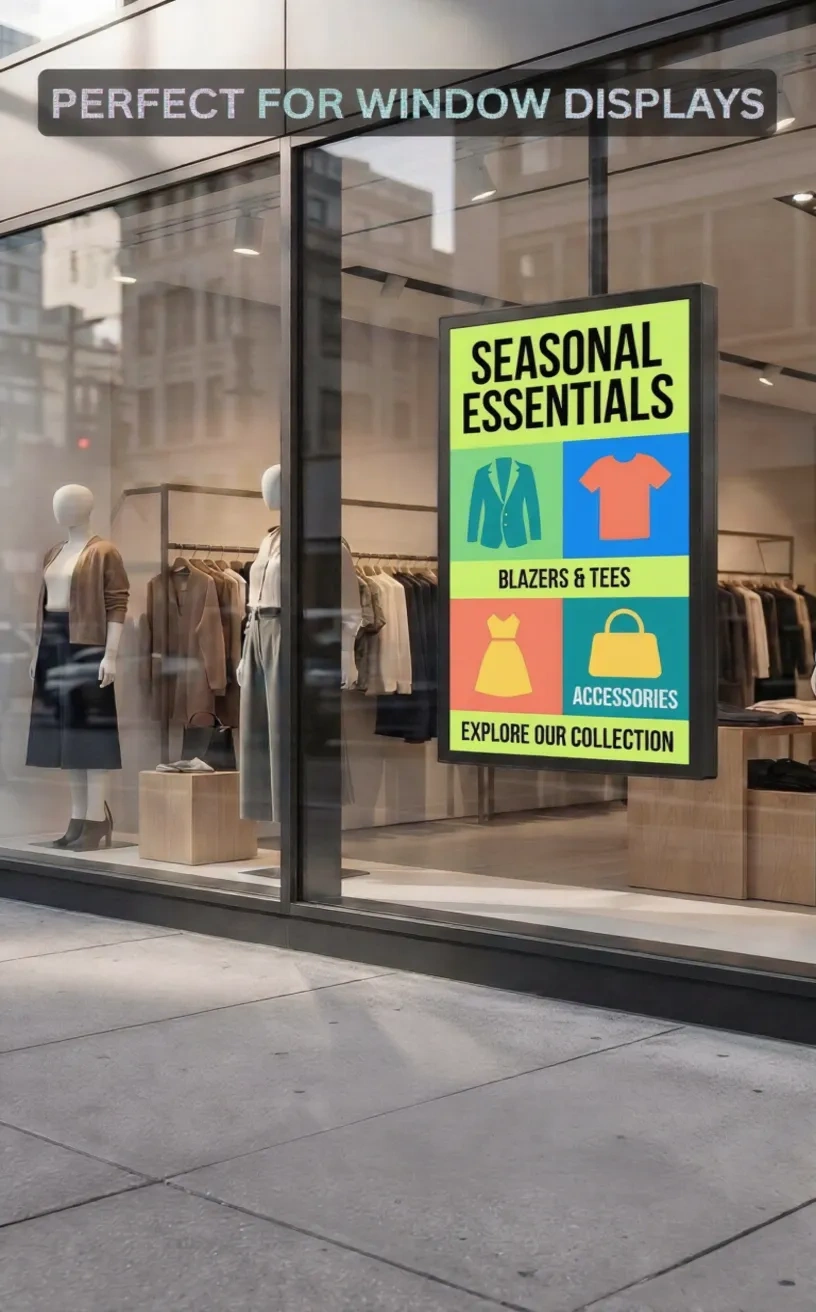
For example, a fashion display might show a seasonal product photograph and collection name. A showroom poster could demonstrate one feature using a short animation. A reception screen might rotate among welcome messages and event notices.
Design for the Actual Pixel Matrix
Request the exact native resolution and safe display area. Prepare text and images for that canvas, and confirm how the media player handles scaling.
QR codes should be tested from realistic scanning positions. Tiny pricing details may be inappropriate on lower-resolution configurations even if the overall poster appears sharp from a distance.
Use simple transitions and avoid placing essential information only briefly on screen. Content should remain understandable to someone who arrives midway through a playback loop.
Set a Maintenance Routine for Campaigns
Determine who approves new creative, how frequently promotions change, and who checks the display after updates. Outdated offers, incorrect dates, and unsupported media formats can cause avoidable problems.
Compare Manufacturer Quotations Carefully
Two poster displays with similar dimensions may vary substantially in resolution, packaging, brightness, installation accessories, and control functions. A reliable purchasing process compares the complete proposal rather than a headline price.
Information to Include in Your RFQ
Send the intended installation location, available dimensions, closest viewing distance, content type, required orientation, and expected operating schedule.
Request model-specific specifications for pixel pitch, native resolution, brightness, refresh rate, power consumption, cabinet materials, and service access. Clarify what is supplied with the display and what must be purchased separately.
If the display may be moved frequently, ask about approved handling procedures, stand options, protective packaging, and transportation arrangements. For permanent installations, ask about mounting details and installation clearances.
Look Beyond the Equipment Price
Project costs may include mounting, control equipment, shipping, and maintenance.
Verify a Sample Before a Wider Rollout
A sample evaluation is especially valuable for distributors and integrators. Review the cabinet finish, surface protection, image uniformity, and ease of updating content.
Bring the creative assets you intend to use and test the display in conditions similar to the final venue. Confirm whether the sampled specification matches the units that will be supplied. A useful sample test should identify practical limitations as well as attractive features.
Frequently Asked Questions About Indoor LED Posters
Is an Indoor LED Poster the Same as a Vertical LCD Kiosk?
No. Both can display portrait advertising, but they use different image technologies. Direct-view LED produces light through its pixels, while LCD uses a liquid crystal panel with a backlight. Product-specific resolution, brightness, and cost determine suitability.
What Pixel Pitch Is Best for a Vertical LED Display?
There is no universal best pitch. Select a configuration by considering the closest viewer, the native screen resolution, and the level of text or image detail. Evaluate the intended content on a sample when possible.
Can a Vertical LED Poster Be Used Near a Window?
Some configurations are designed for window-facing applications, but suitability depends on brightness, temperature conditions, reflections, and the product’s environmental rating. Indoor equipment should not be installed in exposed conditions without confirming its limitations.
Can Several Vertical LED Posters Work Together?
Some products and control systems support coordinated playback or combined displays. The available configuration, image alignment, content synchronization, and connectivity must be confirmed for the specific model.
How Do I Choose a Reliable Supplier?
Ask for a complete datasheet, warranty conditions, maintenance procedures, calibration information, and product availability. For a larger project, review a representative sample and confirm all accessory and installation requirements.
Find a Vertical LED Poster That Fits Your Indoor Advertising Project
Selecting a vertical LED display means matching the screen to the audience, space, and content. Begin with placement and dimensions, then compare pixel pitch, native resolution, brightness, maintenance access, and control requirements.
At KYStarpe, we provide standard-sized and customized direct-view LED poster options for commercial advertising applications. Our vertical range includes different cabinet heights and pixel pitch configurations, helping buyers shortlist displays according to the project instead of relying on a single default size.
Explore our Vertical LED Poster Display Solutions to compare available options and discuss your viewing distance, installation location, content, and purchasing requirements with KYStarpe.